MetaDefender Drive Smart Touch phiên bản 1.7.0 giới thiệu tính năng xác minh tính toàn vẹn tệp dựa trên chứng chỉ cho tính năng Lưu trữ Secure , cải thiện mức tiêu thụ điện năng của thiết bị, cùng với một phương pháp nâng cấp ngoại tuyến mới khi không có kết nối mạng hoặc không thể truy cập máy chủ cập nhật.
Xác minh tính toàn vẹn của tệp để lưu trữ Secure
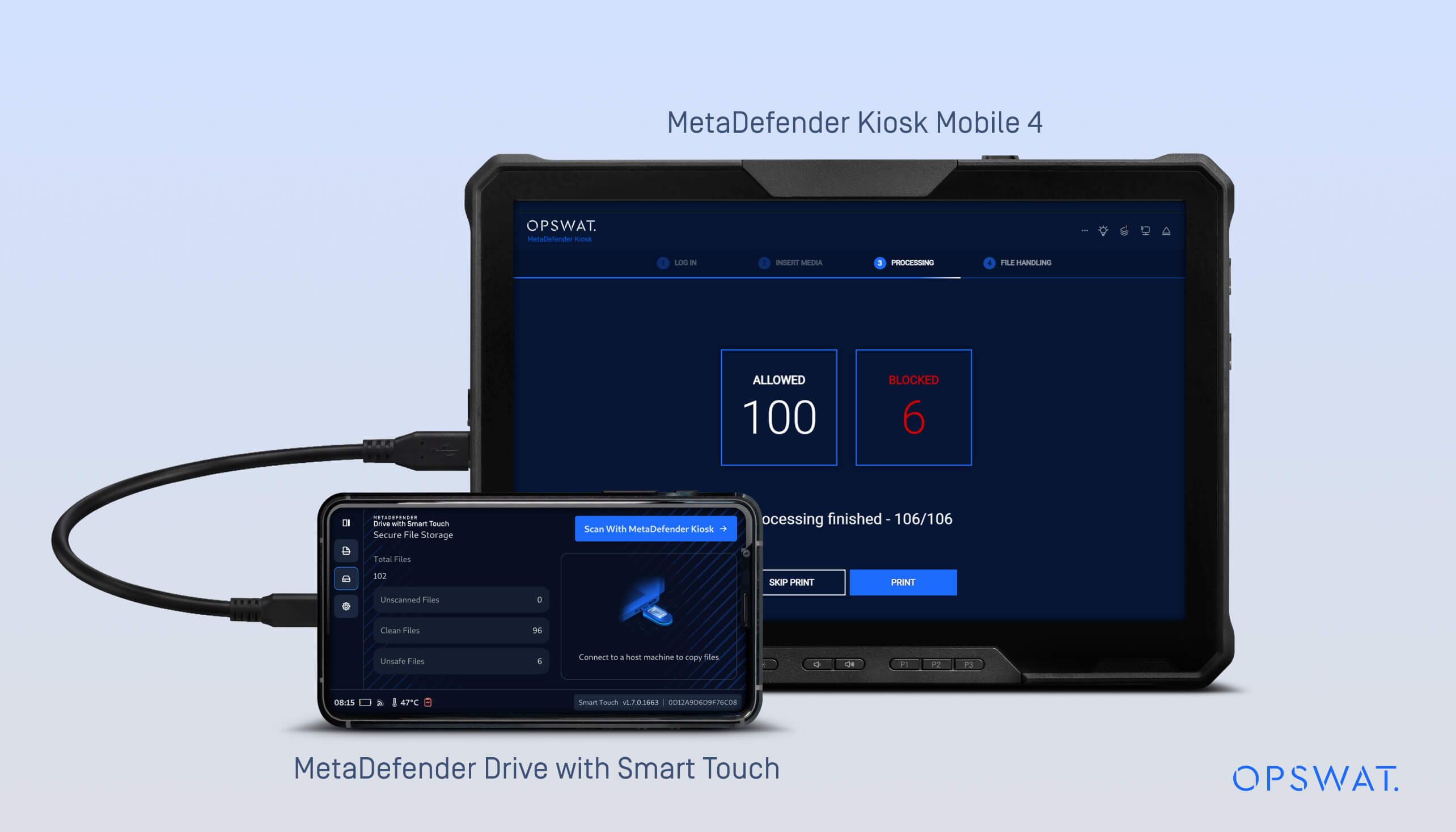
Trong các phiên bản trước, MetaDefender Drive tính năng Smart Touch đã giới thiệu tính năng Lưu trữ Secure , giúp lưu trữ và cách ly các tệp cho đến khi chúng được quét bởi MetaDefender ™.
Trong bản phát hành v1.7.0, tính năng Lưu trữSecure Storage ) hiện đã hỗ trợ xác minh tính toàn vẹn dựa trên tệp manifest để giúp phát hiện xem các tệp có bị sửa đổi sau khi Kiosk hay không.
Quy trình làm việc:
- Các tệp được sao chép vào Kho lưu trữ Secure .
- Thiết bị MetaDefender Drive Smart Touch được kết nối với MetaDefender Kiosk, nơi các tệp tin được quét.
- Sau khi quét, MetaDefender Kiosk một tệp danh sách được ký bằng chứng chỉ.
- MetaDefender Drive Smart Touch lưu trữ và sử dụng bản kê khai đã được ký này để xác minh rằng các tệp vẫn giữ nguyên khi thiết bị được kết nối với các hệ thống khác để chia sẻ hoặc truyền tải sau này.
- Nếu tệp manifest bị thay đổi, tất cả các tệp liên quan đến tệp manifest đó sẽ được đánh dấu là không an toàn.
- Nếu một tệp riêng lẻ bị thay đổi trong khi tệp manifest vẫn còn hiệu lực, thì chỉ tệp đó mới bị đánh dấu là không an toàn.
- Các tệp không an toàn phải được gửi trở lại MetaDefender Kiosk quét lại trước khi có thể được coi là an toàn trở lại.
Bản cập nhật này đảm bảo:
- Xác minh bản kê khai đã ký do MetaDefender Kiosk tạo ra
- Tính toàn vẹn của tệp được xác thực thông qua tệp manifest có chữ ký do MetaDefender Kiosk tạo ra, bao gồm quá trình xác minh dựa trên chứng chỉ trong Kiosk
- Các quy trình lưu trữ Secure đảm bảo sự nhất quán trong việc xác minh giữa MetaDefender Drive Smart Touch và MetaDefender Kiosk
Để biết thêm chi tiết, vui lòng tham khảotài liệu tại đâyđể cấu hình tính năng Kiểm tra tính toàn vẹn dữ liệu với MetaDefender Kiosk.
Tùy chọn cập nhật ngoại tuyến cho ứng dụng Smart Touch
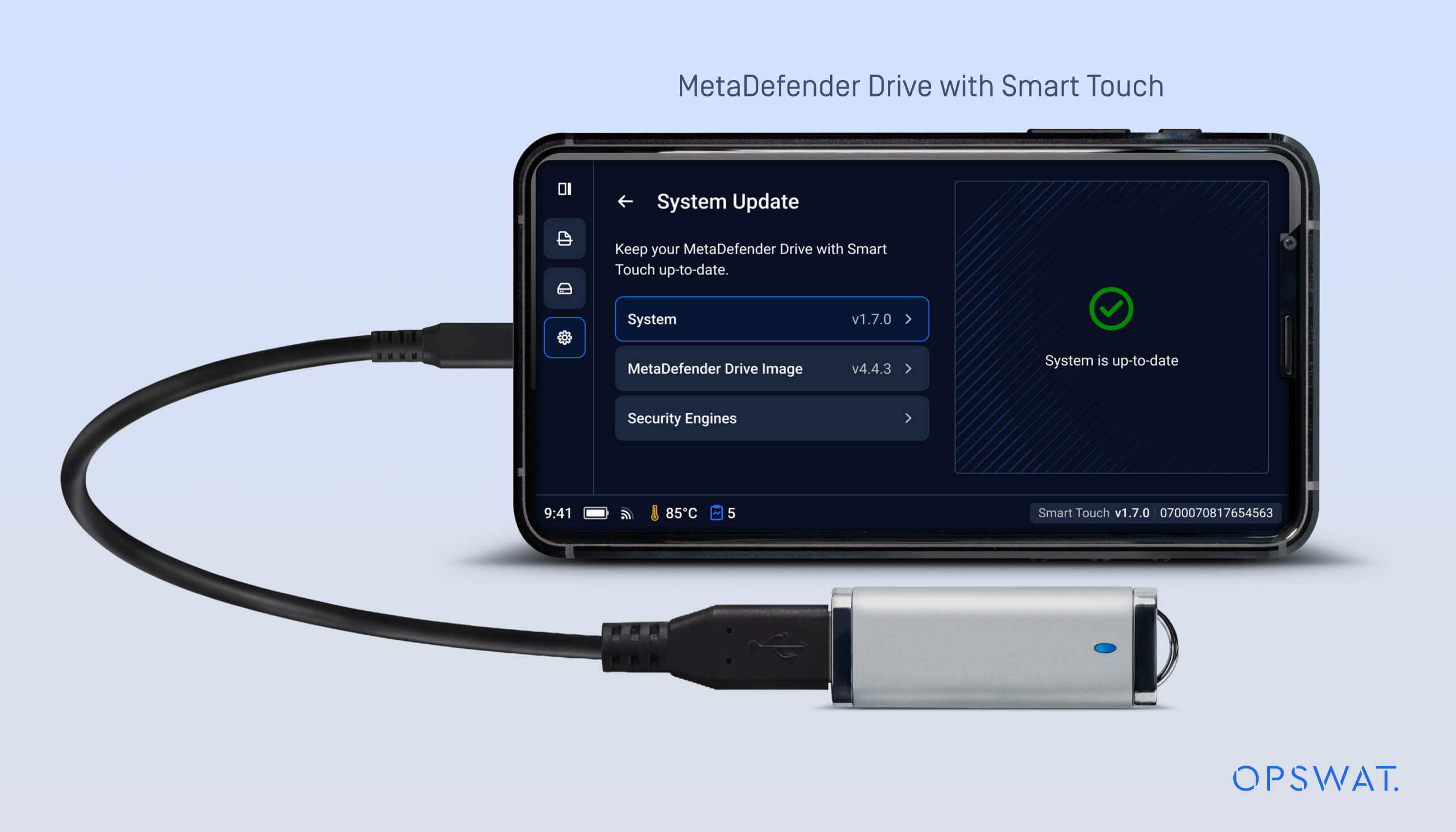
Phiên bản này giới thiệu một phương thức nâng cấp ngoại tuyến bổ sung cho ứng dụng Smart Touch. Phương thức này cung cấp một lộ trình cập nhật thay thế cho các môi trường bị cô lập, nơi MetaDefender Drive Smart Touch không thể kết nối với máy chủ cập nhật hoặc có kết nối bị hạn chế.
Khi thiết bị MetaDefender Drive Smart Touch được bật nguồn, hệ thống sẽ kiểm tra xem có USB nào chứa gói cập nhật hay không. Nếu phát hiện USB chứa gói deb mới hơn và hợp lệ, thiết bị sẽ tự động thực hiện quá trình nâng cấp ở chế độ nền trong quá trình khởi động.
Quá trình nâng cấp ngoại tuyến MetaDefender Drive Smart Touch
Có thể thực hiện cập nhật ứng dụng ngoại tuyến bằng các bước sau:
- Tải xuống gói deb mới nhất từ trang cập nhậtMetaDefender Drive Smart Touch trênOPSWAT My OPSWAT , sau đó sao chép gói này vào USB .
- Tắt nguồn thiết bị MetaDefender Drive Smart Touch
- Sao chép gói deb vào USB
- Cắm USB vào thiết bị MetaDefender Drive công nghệ Smart Touch
- Bật nguồn cho MetaDefender Drive Smart Touch
- Hãy đợi quá trình kiểm tra gói cập nhật trong quá trình khởi động
- Nếu phát hiện có phiên bản mới, MetaDefender Drive Smart Touch sẽ được cập nhật tự động ở chế độ nền
- Phiên bản MetaDefender Drive Smart Touch đã được cập nhật sẽ có sẵn sau khi khởi động
Cải thiện việc phát hiện trạng thái hoạt động
MetaDefender Drive Smart Touch hiện có thể phát hiện trạng thái hoạt động của thiết bị, cho dù đang khởi động hay được kết nối với thiết bị chủ, giúp Smart Touch điều chỉnh cách thức giao tiếp dựa trên trạng thái của thiết bị. Cải tiến này được hỗ trợ bởi giao thức giao tiếp đã được cập nhật, giúp giảm mức tiêu thụ điện năng và kéo dài thời lượng pin.
Chi tiết phát hành:
- Sản phẩm: MetaDefender Drive công nghệ Smart Touch
- Ngày phát hành: 12 tháng 3 năm 2026
- Ghi chú phát hành: Tìm hiểu thêm tại đây
Để cập nhật MetaDefender Drive với Smart Touch, chạm vào Cập nhật hệ thống trên màn hình chính để truy cập chế độ xem cập nhật tập trung.

